

You shouldn’t have to guess when you can call.
The Current Trip. When your crewmember is available. When they land. When they are reassigned. When they come home. Stay in the know easily while your crewmember focuses on flying.
We never ask for your airline login — only your schedule. How we handle your schedule →
Overview
Is Dave available?
Now / Next / After. When is a good time to call. Getting Home on the same glance. Keeping you updated on their status throughout their trip.
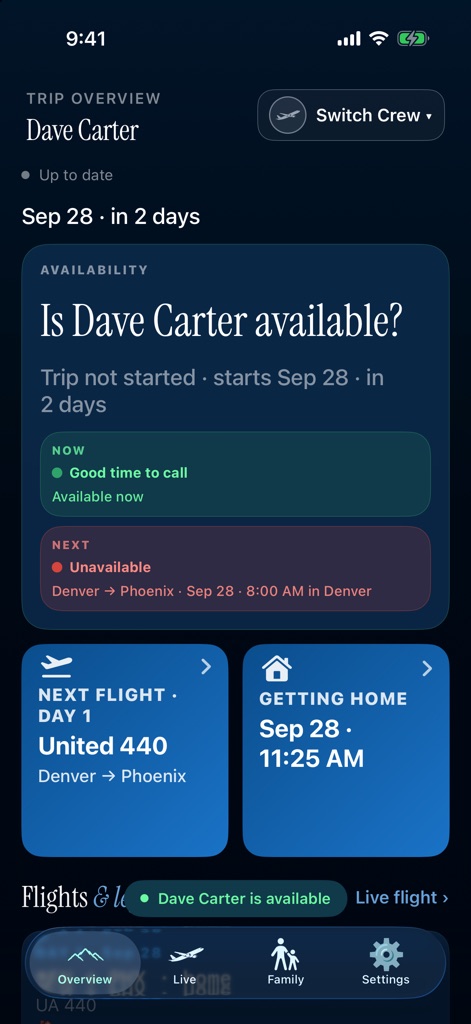
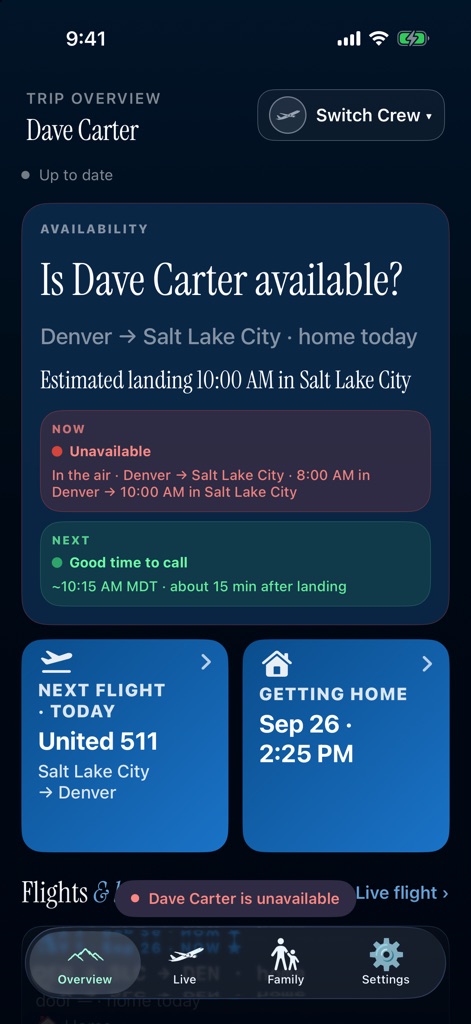
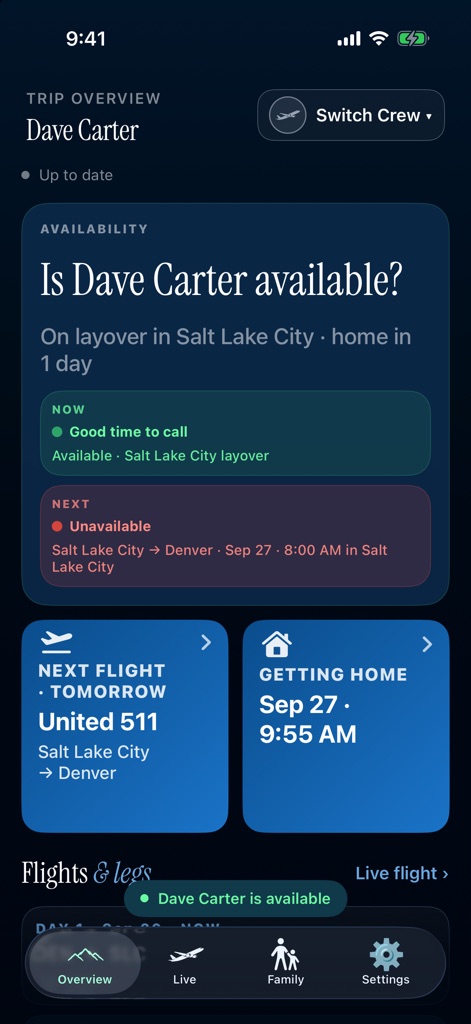
Screens show fictional demo data. Not real crew, flights or hotels.
Alerts
Notifications
A ping when the pairing changes. Takeoff, approach, and landing. Quiet hours pause schedule alerts overnight.
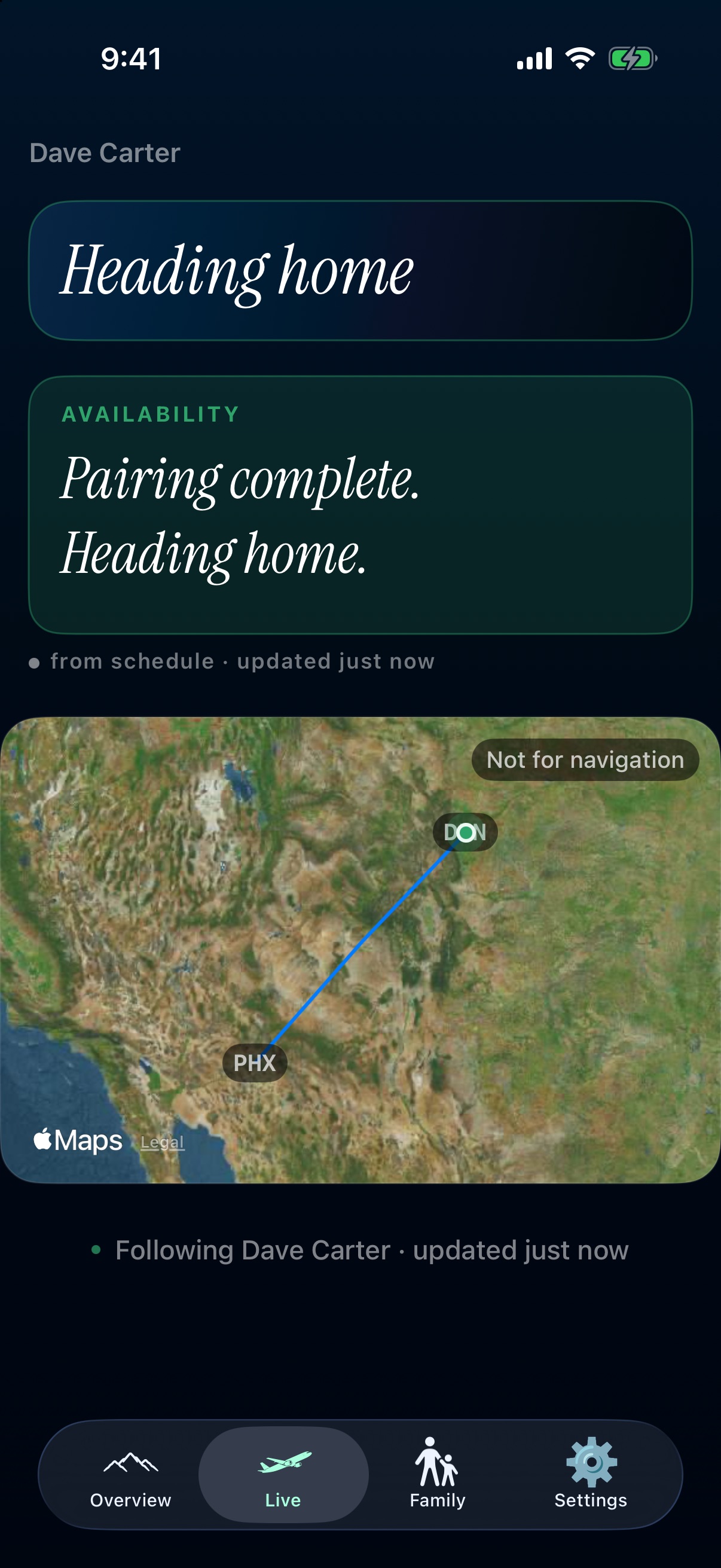
Getting Home
Heading home after last duty.
Up to three possible commutes based on a buffer after land time – Airlines and Times.
Schedule only · not ticketed · seats not confirmed.
Based on the published schedule and flight data. No GPS.
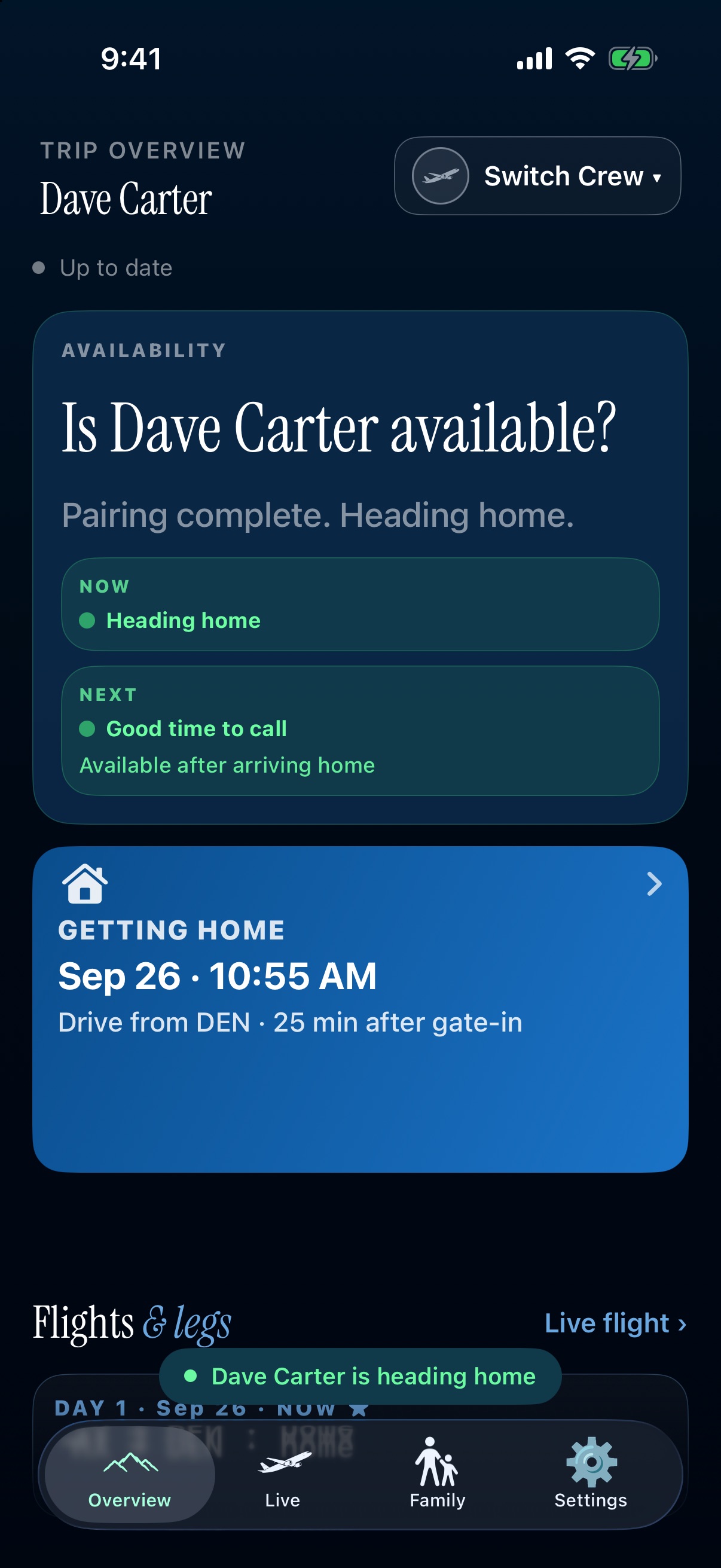
Screens show fictional demo data. Not real crew, flights or hotels.
Live
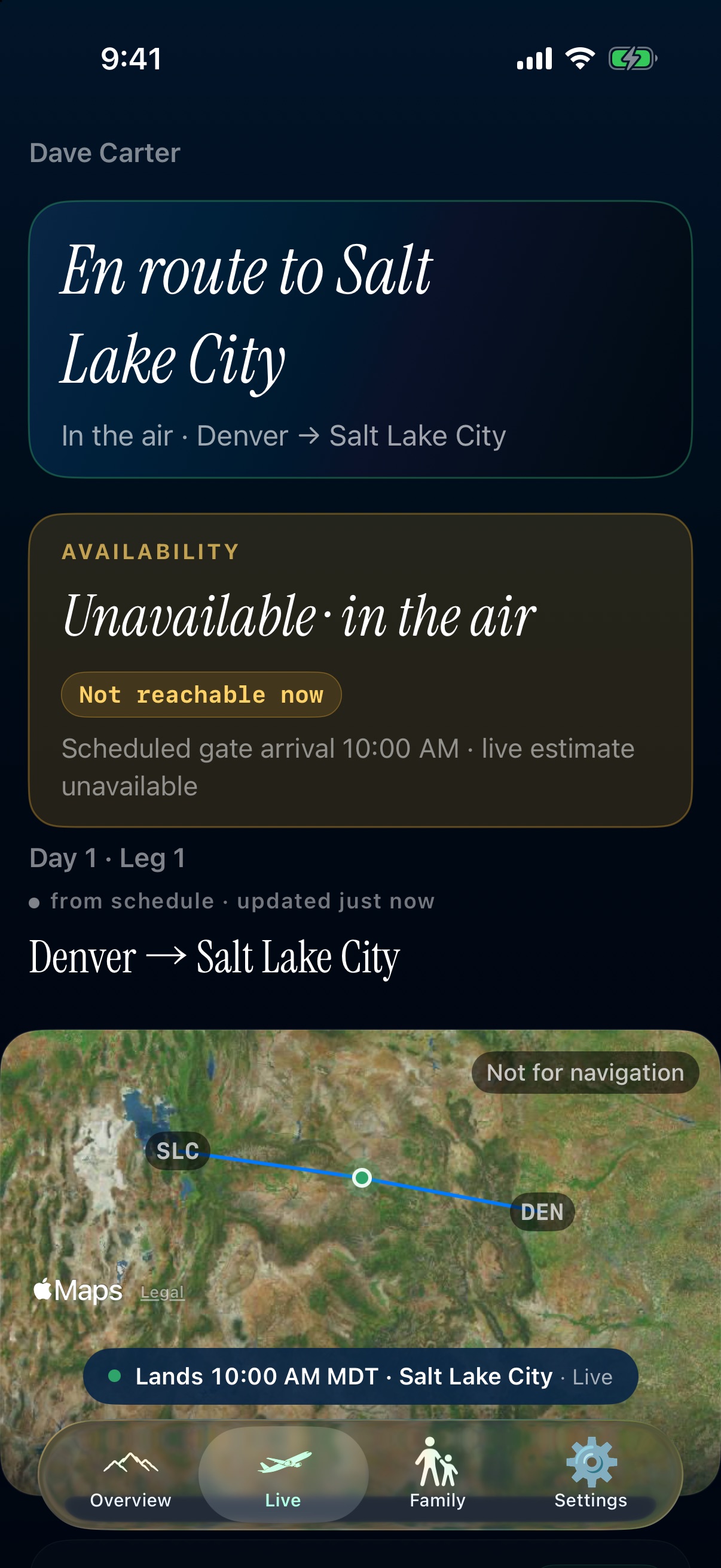
In the air, on the map.
This beat is Denver to Salt Lake City.
Schedule and flight data only. No GPS. Not for tracking. Not for navigation.
Screens show fictional demo data. Not real crew, flights, or hotels. Not for tracking. Not for navigation.
Family and crew
Follow more than one crew.
Tap the name to switch.

Screens show fictional demo data. Not real crew, flights or hotels.
Family View
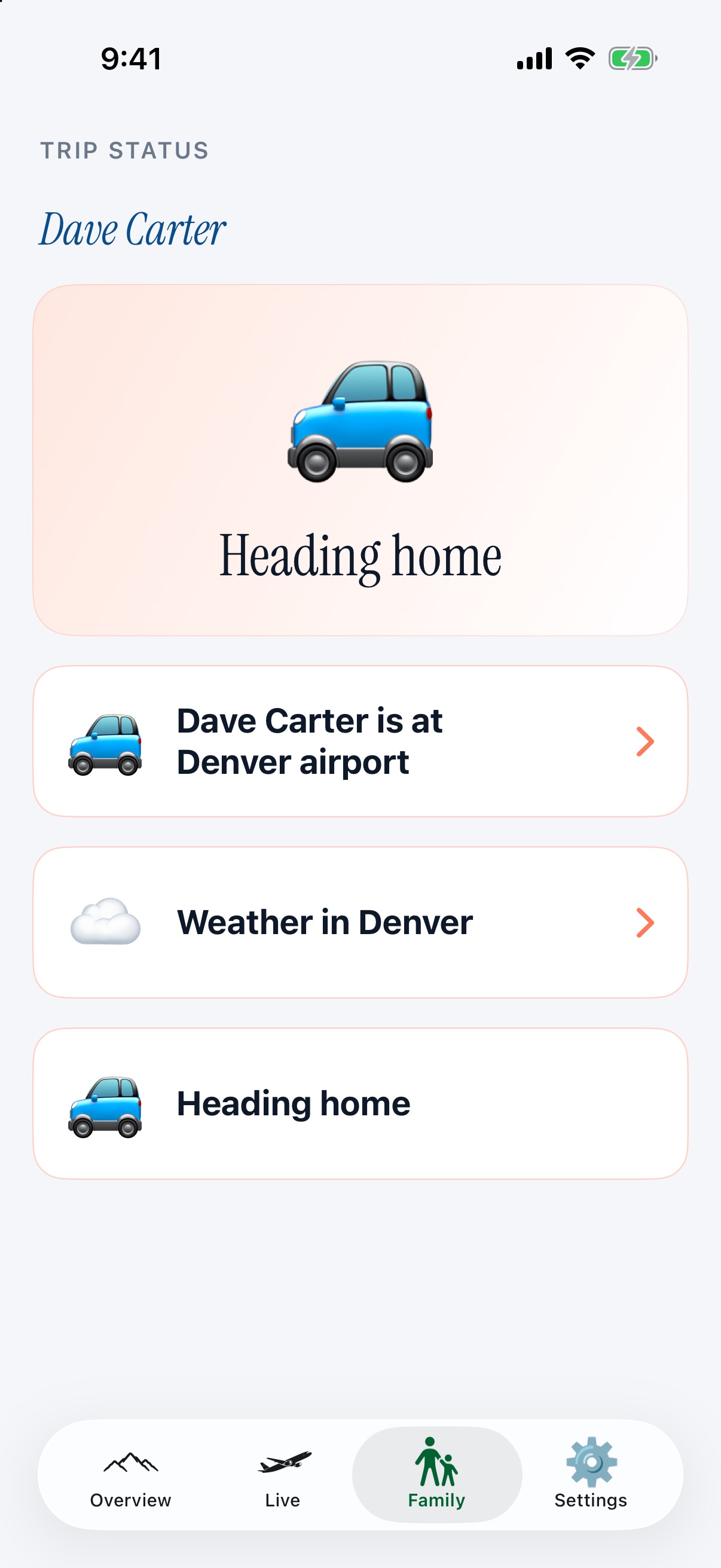
For the family at home.
Family members see the trip at a glance: where your family's loved one is, when they're heading home, and when it's a good time to call.
Following is included when someone in your Apple Family Sharing group has the Family plan.
Crew members subscribe with an Individual or Family plan through Apple. The Family plan uses Apple Family Sharing, so one purchase covers everyone in your Apple family. Trip updates and flight alerts are part of the subscription.
Screens show fictional demo data. Not real crew, flights, or hotels.
Clocks
Local times for both you and your crewmember.
Times appropriate for the crewmember’s city and yours. No trying to figure out their clocks and sleep schedule.
8:41 AM in Denver
10:41 AM in New York.